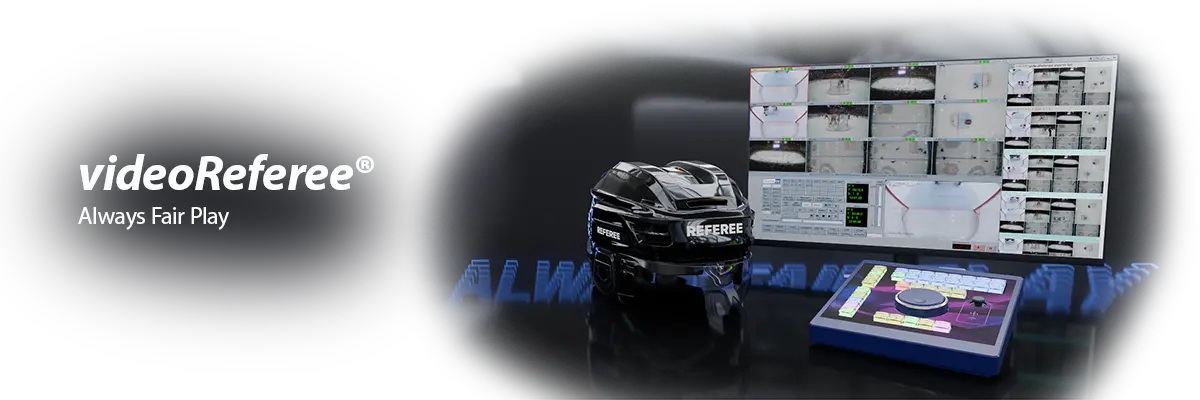
videoReferee®-AV/AVM – A Powerful, Compact Video Refereeing System
The videoReferee®-AV/AVM is a versatile, powerful, fast, and compact video refereeing system. It is the result of sixteen years of experience in developing and creating video refereeing systems – the first videoReferee® systems were used as early as 2008.
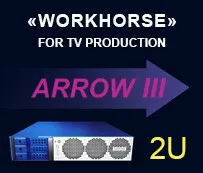
The videoReferee®-AV/AVM system includes all the necessary features for comfortable refereeing and easily adapts to various conditions depending on the stadium or the requirements of a specific competition. Additionally, the system features a compact 2U chassis weighing 12 kg, making it suitable for mobile solutions.
The videoReferee®-AV/AVM server records up to 12/16 incoming 3G*/HD SDI video cameras. It features a User Native Interface that significantly speeds up the replay operator’s workflow for making critical decisions.
When used in football for VAR solutions based on videoReferee®-AV/AVM, various installation options are available:
- Local installation in the VOR room at the stadium,
- Mobile solution (VAR Van),
- VAR center.
2 / 4 Graphics Ports for Connecting Interface Monitors
Notable features include the ability to work with interface monitors – two or four (optional) monitors, which can display:
- Engineer Interface;
- Referee Interface, operating in the following modes:
- Live video
- Delayed video with adjustable delay up to 3 seconds from 1/2/3 or 4 cameras
- Standard search interface for play review
- Playback of a selected camera with adjustable speed
- Multiviewer, working with all input video channels. The Multiviewer allows you to select the desired camera and also perform simultaneous searches across all channels for quick location and review of specific moments.
- One backup monitor. Can be used to display the Main camera feed.
A special MultiSkin function allows displaying multiple interfaces on a single monitor with the ability to switch between them. For example, one monitor can show the engineer or referee interface, switching between them at the press of a button on the referee control panel.
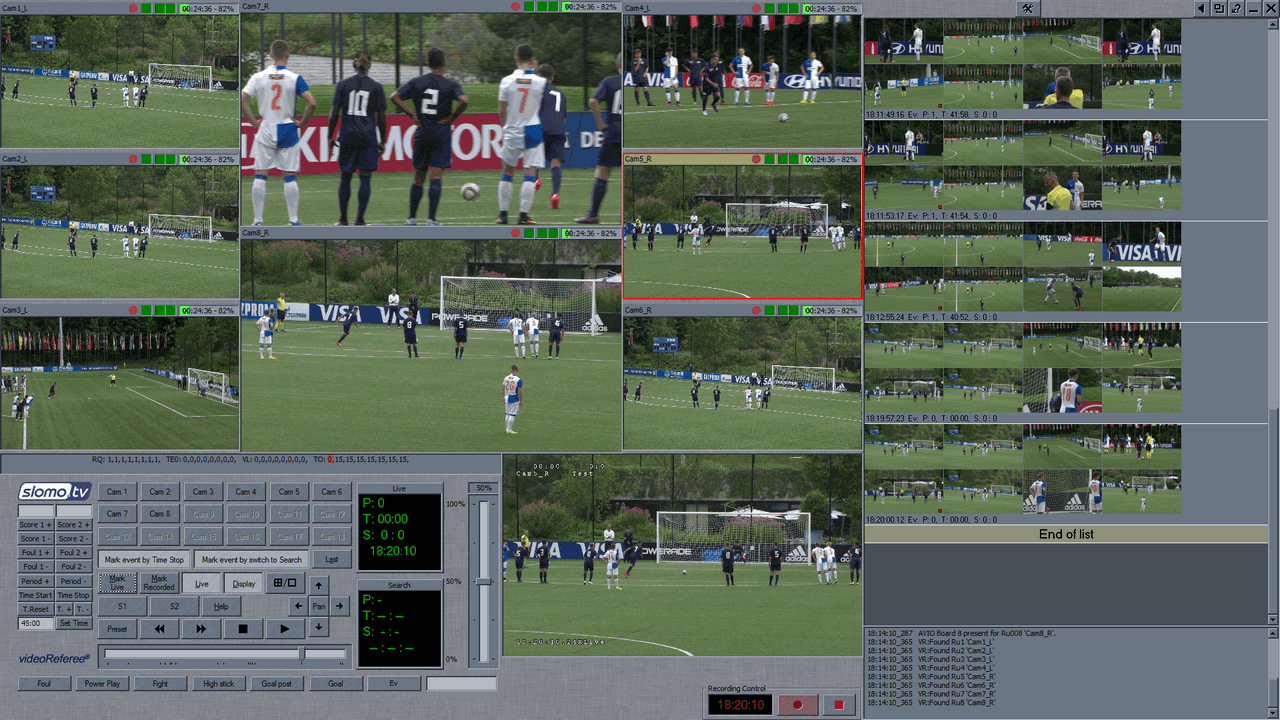
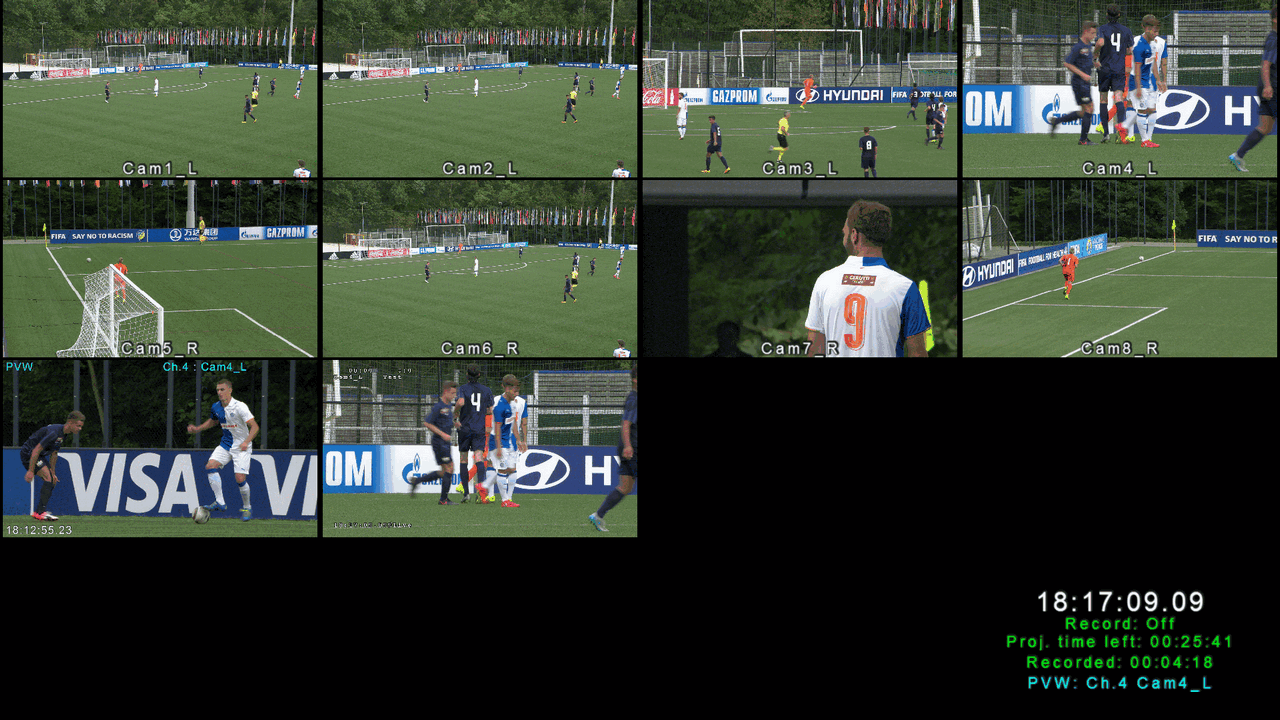
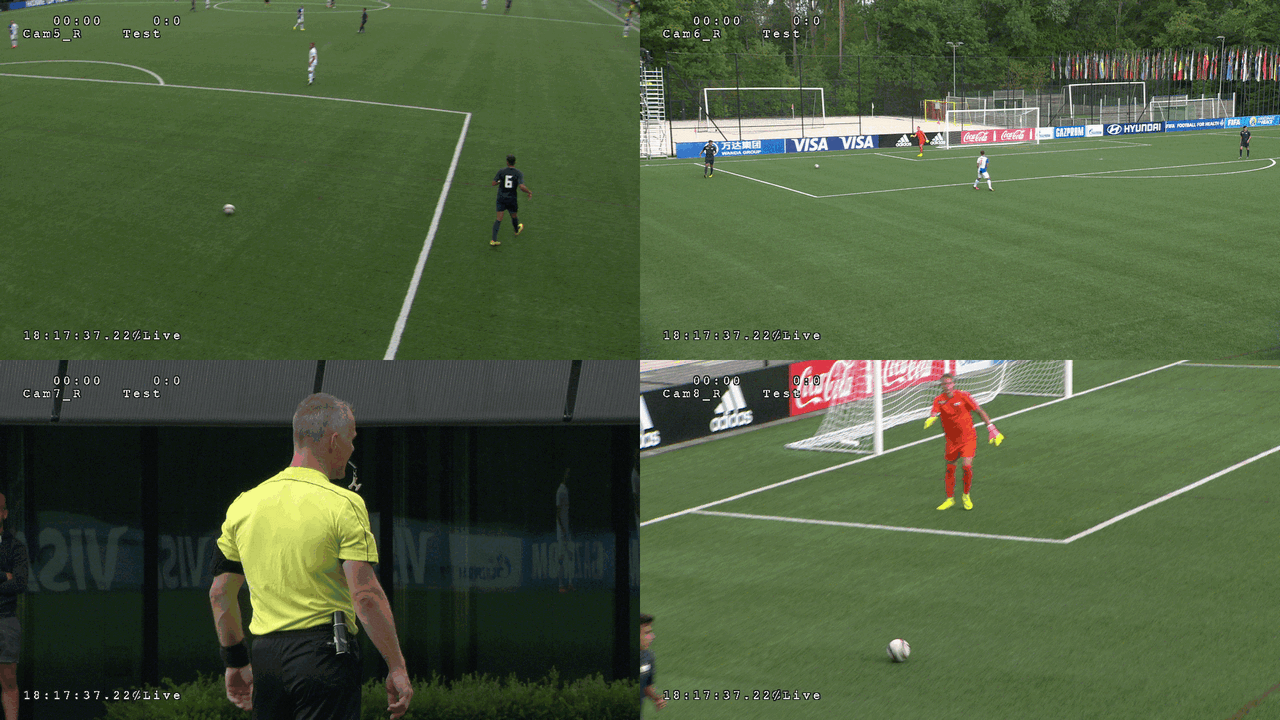
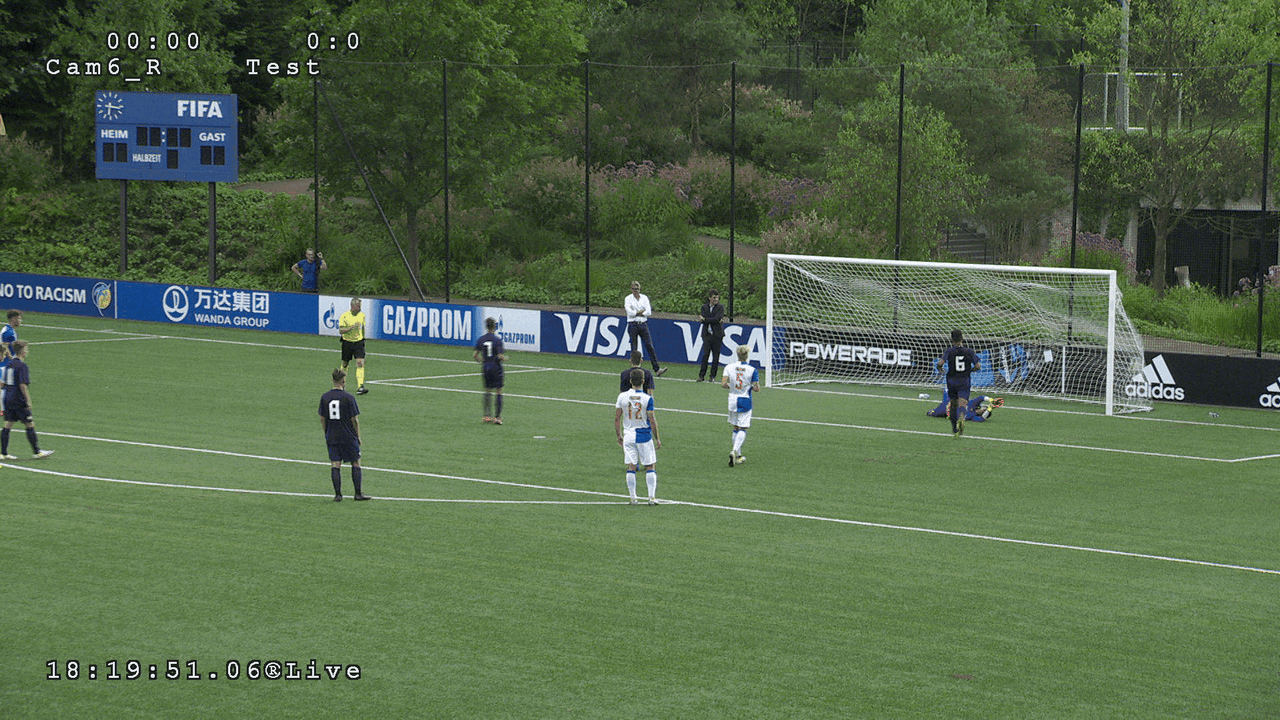
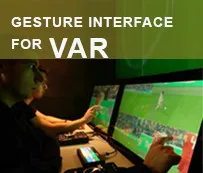
Full-Fledged Gesture Interface for the Referee Monitor
videoReferee® systems have built-in support for gesture control on the referee monitor. In addition to standard image zoom in/out functions, the gesture interface includes functions for camera selection, searching, video playback control, and playback speed control. These functions are invoked using simple and intuitive gestures.
Unlike touchscreens, the gesture interface is significantly faster, does not require searching for and precisely hitting control elements, and does not divert the referee’s attention.
Referee Buttons
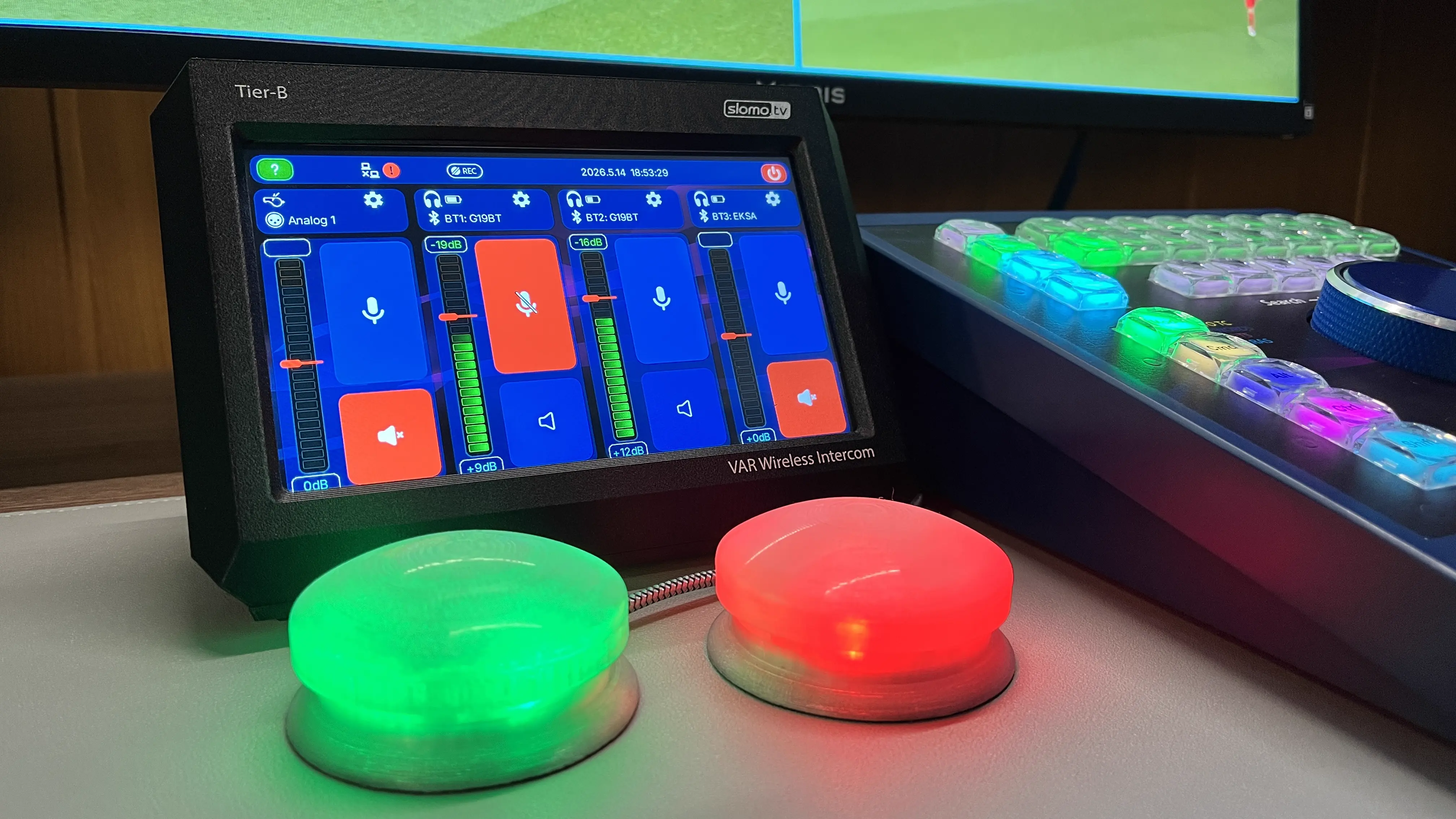
Up to 6 configurable referee buttons can be connected to the server. In the standard configuration, 4 buttons are used, each of which can have one of two functions:
- Set a mark – green button
- Establish communication with the referee and set a mark – red button
Preservation of the Recorded Material
A specially designed file subsystem and I-Frame DCT Based codec recording ensure the safety of video material in case of power loss and its rapid recovery upon the next server startup.
The optional redundant power supply unit minimizes the likelihood of power-related problems.
Specialized Control-VR Referee Control Panel
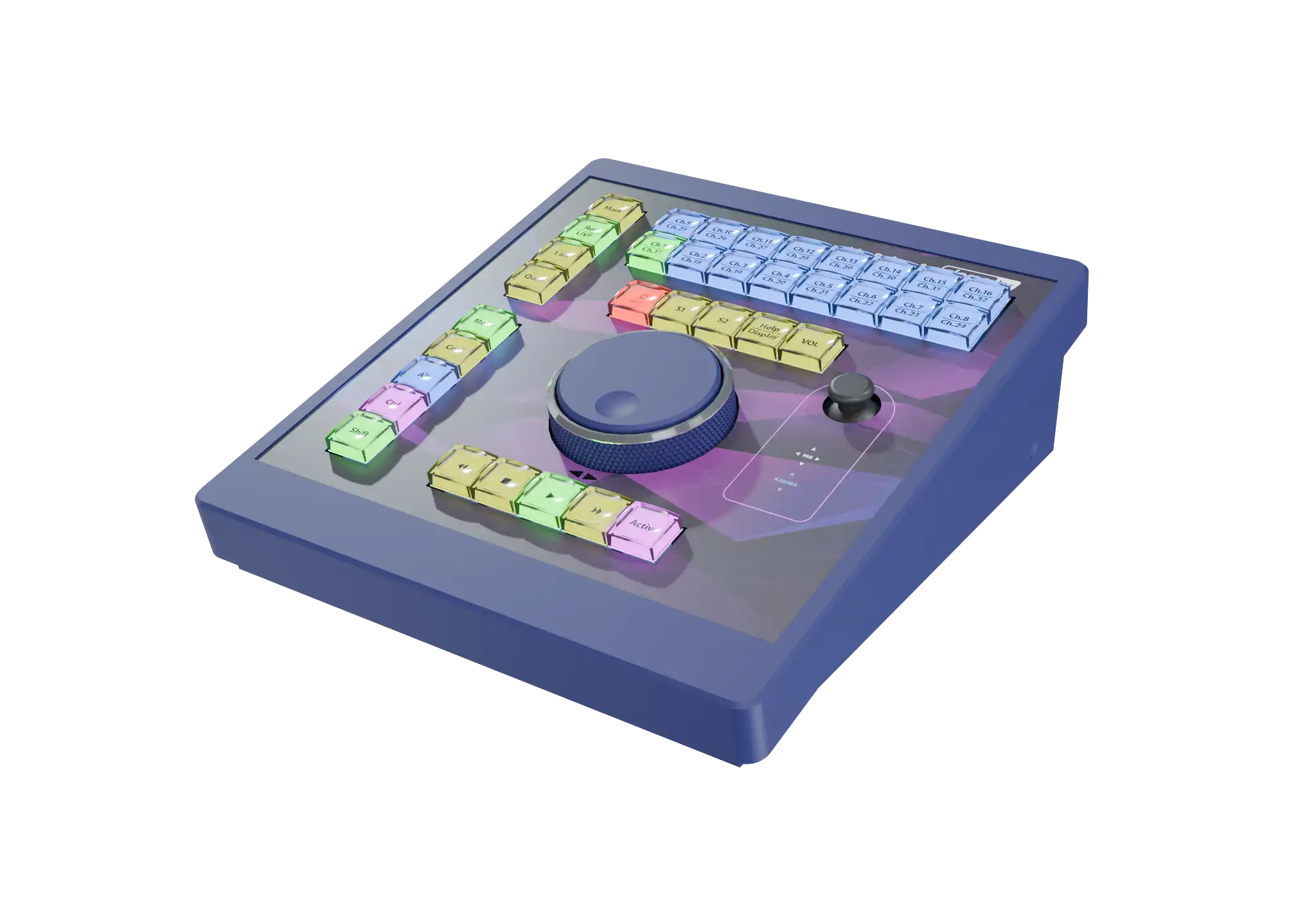
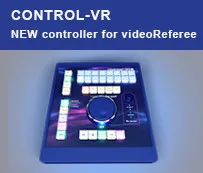
The proprietary Control-VR referee control panel significantly speeds up the workflow. Using the panel, the video referee or replay operator gains instant access to all cameras, presets, and most functions.
The convenient next-generation Control-VR panel is equipped with 35 RGB-backlit buttons and a proprietary Jog/Shuttle for positioning through recorded video and playback control. The panel connects via RS-232 / RS-485 / USB / Ethernet interfaces.
Remote Control
A special VAR.IO device can be added to the video refereeing system solution to extend the system’s control elements over long distances – the panel, buttons, keyboard, and mouse can be connected using a local Ethernet network. This allows you to place a comfortable control area in a convenient location away from the server. This solution also enables control of multiple servers from a single location.
Integration with Internal Referee Communication Systems
The videoReferee®-AV/AVM system features a communication interface with referee intercoms, with the ability to record conversations. videoReferee® has a hardware option for interfacing with the Vokkero intercom, including volume control.
The video refereeing team’s microphone is activated by pressing a dedicated button. Conversations between the video referee and the on-field referee are recorded on the server.
Loop Playback of a Moment
For convenient replay review, a loop playback mode (Loop play) is provided with selectable durations – 1 or 2 seconds, as well as an arbitrary duration set by marking in and out points. Loop play works for one or multiple channels in the “Quadrator” mode. It is controlled via the Control-VR panel.
Duplicating the Referee Interface to the RRA Review Area
The system includes an RRA option: generating an output signal for the RRA monitor during replay review, and replacing it with a background image or video when the referee is not reviewing. Additionally, this same option generates graphics based on refereeing decisions for distribution to Venue Information Graphics systems or broadcasters. It is controlled via the Control-VR panel.
Duplicating the Referee Interface to the RRA Review Area with Venue Information Graphics Output
SLOMO.TV video refereeing servers perform the function of a Venue Information Graphics system thanks to the RRA option. This option is an external device with 6 SDI outputs, each of which can be assigned one of the following functions in any combination:
- Output of "clean" referee interface without graphics ffor the supervisor workstation, control monitor, common video wall, etc.
- Synchronous duplication of the referee interface to the RRA area in accordance with league/federation requirements. When the monitor is not in use, a static image can be displayed to guarantee confidentiality.
- • Output of information graphics from the server to the venue or broadcast. Pre-loaded graphic files containing information about the refereeing team’s actions or the referee’s final decision can be output from the server to the venue and broadcast by a member of the refereeing team.
The flexibility of RRA configurations significantly simplifies installation and can replace a separate subsystem and operator.
Advanced Export Options
Various export settings allow obtaining video material in different file formats, including MXF XDCAM HD422 at 50 Mbit/s. Both marked events and the entire recording from all cameras can be exported. Markup capabilities allow you to obtain files with specific moments of a certain duration.
Export to special file formats compatible with the Academy system allows for training operators using real game situations with analysis of actual incidents.
SSM Camera Support
videoReferee®-AV/AVM offers optional support for Super Slow Motion cameras from most manufacturers. The number of SDI inputs required to connect an SSM camera corresponds to its shooting speed.
Examples of camera configurations for 8 channels:
- Five HD cameras + one 3x SSM camera
- Four HD cameras + two 2x SSM cameras
Academy Intensive Training Technology
A specialized training technology for referees, assistant referees, and operators based on the "Academy" server helps them learn and practice the procedures for reviewing various controversial moments.
This system simulates "live" synchronous video signals from cameras or production trucks using a library of training clips and allows video referees to practice in conditions as close to reality as possible.
Users can also expand the clip library or create their own to continuously improve the refereeing team’s skills or prepare new members.
Football Solution
Virtual Offside Line (VOL) Technology
SLOMO.TV VOL is a software option running on the same hardware as our videoReferee® VAR system, not on a separate server. There's no need for additional hardware, and the VOL system is controlled via the native VAR console Control-VR (or a mouse). One VAR system operator can handle both VAR and VOL functions.
The VOL operator has full control of the system. Using an augmented reality tool (with a 3D crosshair) they can place markers on protruding body parts of players. This tool is displayed simultaneously on all selected cameras, allowing accurate positioning from different angles.
VAR / AVAR / RO Workstations
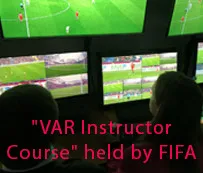
The standard configuration allows you to set up workstations for the VAR, Assistant VAR (AVAR), and Replay Operator. The monitor layout conforms to FIFA recommendations.
videoReferee®-AV/AVM System in Detail
12/16 channels of 3G*/HD recording
Rapid preparation of moments for review
Loop playback mode
Optional Super Slow Motion camera support
Adjustable display delay on the referee monitor of up to 75 frames (3 seconds)
Analysis of moments at normal and slow speeds
ZOOM and frame-by-frame/field-by-field navigation of recorded video – 50/60 individual phases of motion when working with standard signals
Intuitive gesture interface – camera selection, playback speed control, ZOOM, frame-by-frame viewing
Control-VR panel – instant access to required cameras and presets, convenient searching and marking
Quick creation of camera presets and multi-screen views
Integration with Virtual Offside Line (VOL) technology
Integration with internal referee communication system
Output of referee interface to RRA area and to broadcasters. Venue Information Graphics function
RGB referee buttons – activation of radio communication between the video referee and the main referee (conversation is recorded), start of the control timer, event marking
* – Optional
| Parameters | videoReferee®-AV | videoReferee®-AVM |
|---|---|---|
| Video Inputs | ||
| HD SDI | 12 / 16 * | 16 |
| 3G * SDI | 12 / 16 * | 16 |
| Video Formats | ||
| HD SDI | 1920x1080/59.94p, 1920x1080/119.88i | |
| 3G SDI | 1920x1080/50p, 1920x1080/100i | |
| Support of 16:9 and 4:3 | ||
| Simultaneous operational channels | ||
| Recording | 12 / 16 * | 16 |
| Search or Playout | 1 / 2 / 3 / 4 Search or 1 Playout | |
| Video Standards | ||
| HD SDI | HD video conforms to SMPTE 292M, SMPTE 274M 720p video conforms to SMPTE 296M |
|
| 3G SDI | 3G video conforms to SMPTE 424M / SMPTE 425M | |
| Output for 2nd referee's monitor | ||
| Display Port | 2 / 4 * | |
| Referee output for broadcast ** | ||
| HD-SDI | ||
| Multiviewer | ||
| Up to 13 video windows; (12 cameras + 1 Referee output); 2 Layouts; Built-in gesture control (when using a multi-touch monitor); Option Delay Mode 3s |
Up to 17 video windows; (16 cameras + 1 Referee output); 2 Layouts; Built-in gesture control (when using a multi-touch monitor); Option Delay Mode 3s |
|
| Gesture control ** | ||
| Embedded touch screen control | ||
| Compression | ||
| Recording | I-Frame DCT Based | |
| Export formats | M2TS; MPEG-4 (*.mp4); H264 (*.mp4); XDCAM HD422 50Mbps (*.mxf) (for HD only) |
|
| Internal storage | ||
| Type | SSD | |
| Capacity | 160 hours of Full HD video at 100 Mbps 80 hours of 3G video at 200 Mbps |
|
| Audio Inputs | ||
| 2 embedded *** audio channels per video channel | ||
| When using mini-vR-Cam cameras | 2 audio sources per camera | |
| Audio Outputs | ||
| MB audio output / DP | ||
| Referee workplaces (each additional workstation is equipped with a remote control) | ||
| 1 | 1 / 2 * | |
| Scoreboard Interface **** | ||
| Yes / PIP from any camera | ||
| Controls | ||
|
Specialized Jog/Shuttle controllers Control-VR (via RS-232 / RS-485 / USB / Ethernet), keyboard,
mouse Second workplace * – an additional independent workstation for
quickly resolving disputes, working in parallel, or supervising. Remote workplace with a wireless tablet * for medical staff to
monitor athletes' conditions. Remote workplace * – can be used for easy integration into VAR center solutions. |
||
| Referee buttons | ||
|
Up to 4 pcs.:
Via USB connection. |
||
| Virtual offside lines (VOL) | ||
| Built-in VOL SLOMO.TV, Integration with Delta-offside (Deltacast) |
||
| Referee intercom integration | ||
| Yes Native Vokkero support with adjustable audio level control |
||
| Additionally | ||
| Ability to network with SLOMO.TV servers | ||
| Data exchange | ||
| Ethernet | 10 GbE (RJ-45) | |
| USB 3.0 / NAS | External file storage | |
| DMR RACK | 1 Built-in trayless/toolless 3.5" SATA HDD Rack | |
| Maximum distance of connections | ||
| SDI | Up to 110 m | |
| 3G-SDI | Up to 90 m | |
| Control | Up to 150 m | |
| DP | Up to 5 m | |
| Power | ||
| Voltage | 110V/60Hz or 220V/50Hz | |
| Consumption | 120 W | |
| Additionally | Redundant PWR Supply * | |
| Physical Parameters | ||
| Chassis | 2U, 19" | |
| Dimensions (H x W x L) | 88 mm 482 mm 512 mm | |
| Weight | 12 kg | |
| Temperature | ||
| Operating | +12°C to +29°C (53.6°F to 84.2°F) | |
| Storage | +5°C to +40°C (41°F to 104°F) | |
| Humidity | ||
| Operating / storage | 20% to 80% | |
|
Notes: * – Optional. ** – Touchscreen monitor not included. Recommended: Iiyama multi-touch monitor. *** – Embedders are not included. **** – Supported: Westerstrand, Nautronic NTpult, Nautronic NAUCON-1000, Bodet, Omega Saturn, Megalux, NataInfo, Victory, VITA, Araneus NGLight, ElTablo, Stramatel, Colosseo, CEDR, Favero Console-700, Control-MC. |
||
| Option | Description | Type | videoReferee® | |
|---|---|---|---|---|
| AV | AVM | |||
| Integration with Referee intercom | Communication between VAR and referee on the field is activated by pressing a button, conversations are recorded by the server. | Hardware | ✔ | ✔ |
| VOL | SLOMO.TV VOL is a software option running on the same hardware as our videoReferee® VAR system, not on a separate server. | Software | Included | Included |
| Launcher | A convenient tool for configuring settings and managing projects according to specific tasks. | Software | Included | Included |
| Game Analyzer | Telestrator for imposition of graphical elements (line, arrow, curved arrow, circle, etc.) and free hand drawing on live video. Best with Wacom Cintiq tablet (not included). | Software | Included | Included |
| Transfer | Ability to transfer any clip or playlist to network integrated servers. | Software | Included | Included |
| IPConnect / RRA | Software option enabling the use of IP cameras operating via standard NDI and RTSP protocols:
|
Hardware + Software | ✔ | ✔ |
| 3G SDI support | Works with 3G-SDI signals in 1080p50/60 and 1080i100/200 (SuperMotion) modes. | Software | ✔ | ✔ |
| SSM camera support | Support for 2x, 3x, 4x SSM cameras. (Requires 2-4 dedicated input channels) |
Software | ✔ | ✔ |
| 4-monitor option | Support for working with 2 additional monitors | Hardware | ✔ | ✔ |
| 2-nd independent replay workplace | Additional referee's workplace for 3G/HD mode. Includes the remote controller. | Hardware + Software | ✖ | ✔ |
| Redundant power supply option * | Dual mini redundant Power Supply. | Hardware | ✔ | ✔ |
| Increase the number of video inputs to 16 | The number of available video inputs increases from 12 to 16. | Software | ✔ | ✖ |
| System operation training for VARs | 2 hours demonstration, 2 hours Q&A. | Training | ✔ | ✔ |
| SLA support | Server maintenance service for one year (12 months) following the expiration of the warranty period (12 months), and updates of all software versions to the latest release. Support with a one-business-day response time. | Agreement | ✔ | ✔ |
|
Notes: * – Available at ordering. ✔ – Available for order. ✖ – Not available for order. |
||||