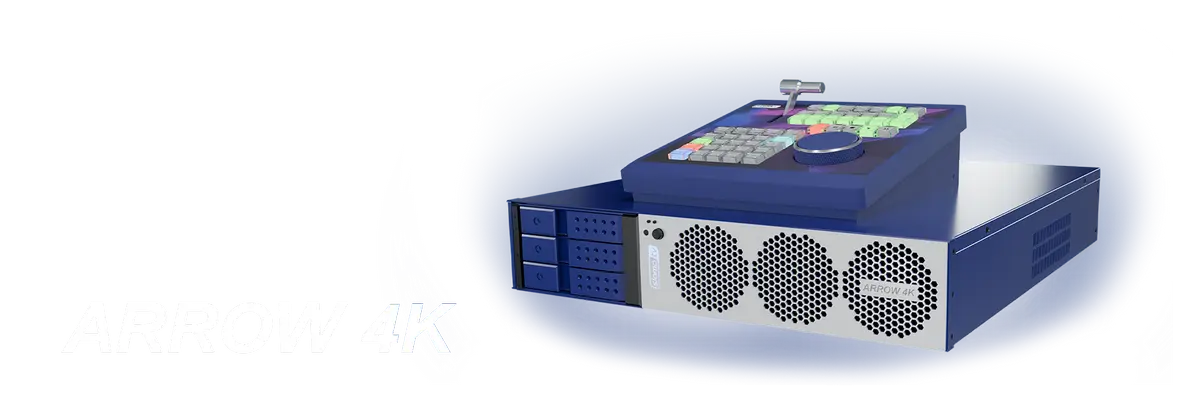
ARROW 4K – SloMo Replay and Recording server
A revolution in affordable 4K broadcasting
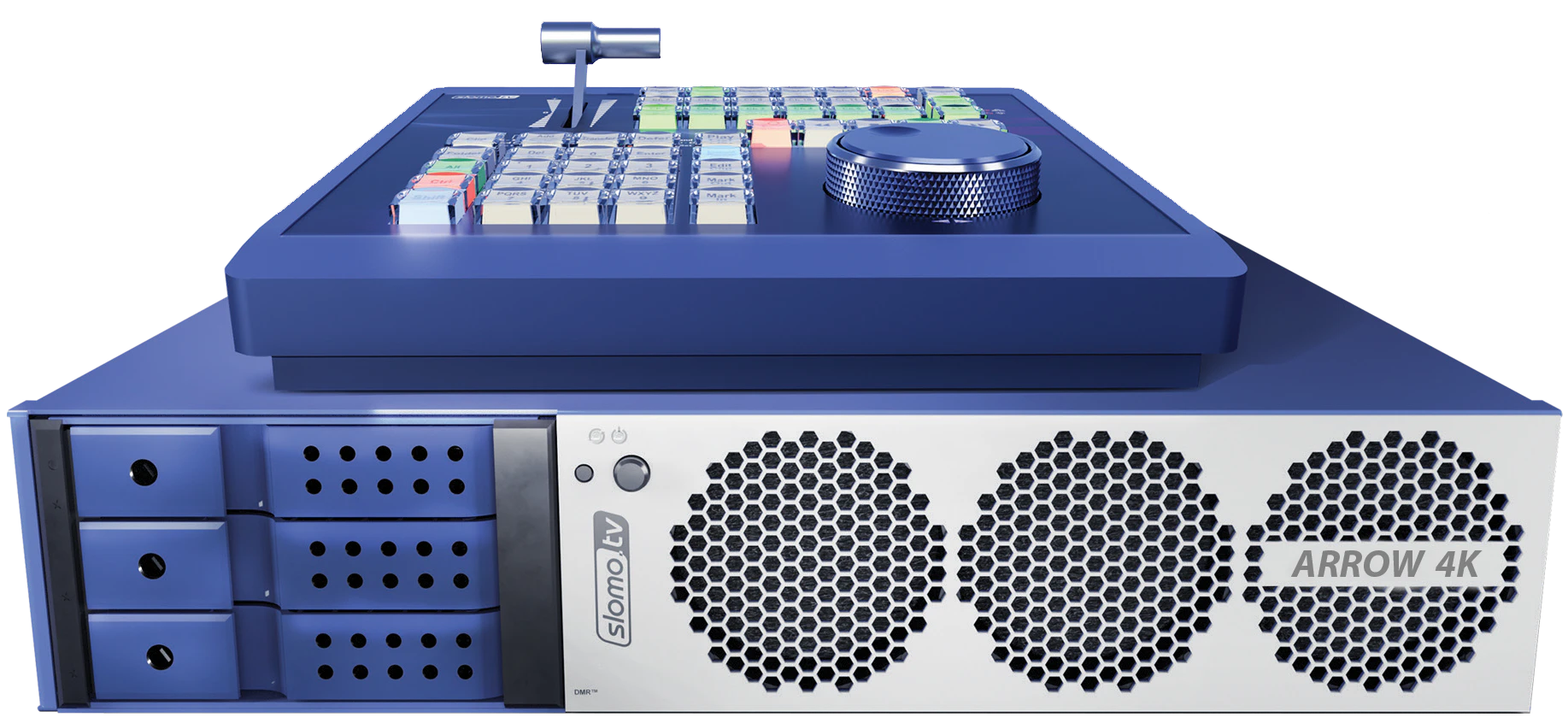
- 6 Rec + 6 Search + 2 Play for HD/3G video
- 4 Rec + 4 Search + 2 Play for 4K video option
- Super fast user-native interface
- Remote control panel included
- Slomo.tv Launcher included
- Remote workplaces option
- Multi-PGM option
- SSD-based storage
- 2U, 12 kg
ARROW 4K – A compact and affordable server for 4K replays
SLOMO.TV is proud to introduce the new Arrow 4K: a 2U server offering a convenient and cost-effective solution for working with 4K replays. Following the success of the Simple R 4K in 2023, the 4K server line-up has been expanded to include the new Arrow 4K model that combines compact dimensions, affordability and performance.
Arrow 4K is the successor to the hugely popular and reliable multi-channel recording and replay system, the beloved Arrow III.
Compactness (2U, 88 x 482 x 512 mm) and light weight (12 kg) make the Arrow 4K servers the ideal choice for mobile solutions and integration into existing studio and OB van infrastructures.
Making 4K broadcasting accessible to everyone
The emergence of affordable 4K camera solutions, such as the Blackmagic URSA Broadcast camera, means that producing Ultra HD content is no longer the exclusive domain of large studios. Even small companies can now get involved in creating sports broadcasts, where instant replays are essential.
To cater to URSA Broadcast users, SLOMO.TV — a pioneer in developing 4K replay systems — has expanded its range of 4K servers with the new Arrow 4K which allows small and medium-sized studios to compete confidently in the sports video production market.
Supporting 4 recording channels in 4K Replay mode, it is an ideal tool for quickly editing replays.
The Arrow 4K improves the performance of budget 4K OB vans by providing them with instant slow-motion replay functionality in 4K. This allows smaller studios to match the capabilities of larger, more expensive OB vans.
Technical advantages
The range of affordable yet powerful 2U Arrow servers has been expanded to include the modern Arrow 4K. This server is different from previous models because it can handle not only 3G-SDI and HD video, but also UHD video. The new server is a more compact, affordable and reliable alternative to bulky 4U/6U systems.
The Arrow 4K can be purchased without activating the 4K option and used with HD/3G SDI in the meantime. The device is fully compatible with HD/3G SDI and there is no loss of functionality. The 4K option can be activated at the user's convenience later.
- Recording: 6 channels HD/3G + 4 channels 4K option
- Search: 6 channels HD/3G + 4 channels 4K option
- Play: 2 channels HD/3G + 2 channels 4K option
Features
The Arrow 4K is equipped with 12G-SDI interfaces and retains all the key features of SLOMO.TV servers, which include:
World's fastest User-Native interface
Intuitive control with minimal response time
Simultaneous search across all channels
Efficient work with multiple video sources
Automatic clip and playlist creation
Simplified workflow for operators
Dedicated Control ZR2 panel
Precise playback and search control
Slomo.tv Launcher
Convenient server configuration for any task
SSD drives
High speed and resistance to vibrations and shocks
Export to popular formats
Compatibility with DaVinci Resolve and Adobe Premiere
High-speed 10GbE interface
Fast video exchange and network integration

ARROW 4K – reliable and simple recording for NLE
Great alternative to large recording servers
DMR™ technology — direct recording for non-linear editing on external HDDs/SSDs in parallel with built-in storage.
Multi-channel recording with selected codec (ProRes; AVID DNxHD; DVCPro HD; DVCPro 50; IMX; XDCAM 50; AVC-Intra 100/XAVC) to a built-in video array in a specially developed fail-safe high reliability file format and in native files of NLE system on any available media. 3.5" SATA HDDs or SSDs with adapters are recommended.
SD Proxy files support
DMR™ technology provides simultaneous recording of both full resolution video files and SD Proxy files, which significantly increases the speed and comfort of editing.
Export to XDCAM 50
All servers have a built-in export for subsequent editing with XDCAM 50 codec.
Support for growing files
Arrow 4K works with "growing files" (MXF, XDCAM 50).
RECORDING FOR NLE WITH DMR™
Up to 8 HD-channels
Up to 3 4K-channels
Large volume for export
3 built-in DMR™ racks for HDDs/SSDs
The recorded material is securely protected
Recorded material is securely protected – recording to a built-in video array in a specially developed fail-safe high reliability
Diagram ARROW 4K

2 – Remote Control – for Control ZR2 (DB-9)
3 – SDI I/O 1…4 – SDI video Input/Output (mini-BNC)
4 – SDI I/O 5…8 – SDI video Input/Output (mini-BNC)
5 – Main Monitor 1920×1080 (HDMI™)
6 – Additional Monitor 1920×1080 (Display Port)
7 – Mouse (USB 2.0 Port Type A)
8 – Keyboard (USB 3.0 Port Type A)
10* – Remote Control – for Control ZR2 (USB 3.0 Port Type A)
11 – Ref In 1 – Synchronization (mini-BNC)
12 – 10 GbE Network (2×SPF)
13 – Ref In 2 – Synchronization (mini-BNC)
14 – Power AC 110/220V 60/50Hz
15 – BZ Reset
* – optional
CONTROL ZR2
The new-generation ergonomic remote control panel

Maximum speed and efficiency.
Control ZR2 has 51 RGB backlit buttons, T-bar and Jog/Shuttle for search and playback speed control, light and color indication providing hints for the operator.
The CONTROL ZR2 remote control panel is included with ARROW 4K.
- The highly reliable T-bar provides over 1000 values of lever position.
- The Shuttle wheel has 64 left and right positions, which allows controlling the search and the playback speed with an accuracy of up to 2%.
- Direct access to 24 recording channels, presets, and most functions.
- Connection via RS-232/422, USB and Ethernet.
- Control ZR2 is powered via USB or Power over Ethernet (PoE) technology.
Remote workplaces
A solution for optimized production
The option supports fully independent remote workplaces. Replay operators can work from anywhere, far from the location where the server is installed.
It is available on all modern SLOMO.TV servers and only requires a stable internet connection.
- Connection via Internet or LAN
- Independence of the server's physical location
- The ability to work completely independently from the other operators
- Recording and logging of all events
- Minimal delay, which is based solely on the speed of data transmission over the internet (approximately 120 ms), even when working with remote regions
Remote workplace equipment:
- Control ZR2 panel
- Mouse
- Keyboard
This setup enables an operator to work effectively with 4K replays from hundreds or even thousands of miles away.
Remote workplace option allows the separation of the equipped OB van from the staff — the server can be installed in the OB van and the production crew's workplaces can be in a nearby room, event venue, or their own homes, as long as there is a stable internet connection.
Running the workflow over the internet eliminates the need for additional funds for a larger OB van or staff travel. Fewer operators are needed for remote production, as a single specialist can cover multiple events at different venues on the same day.
MULTI-PGM option
Flexibility and comfortable control over production
Replay operators, who are responsible for markup and summaries during broadcast, typically interact with replay servers in two main output modes: PGM + PVW and Multi-PGM, which are the standard configurations on many platforms such as EVS. PGM + PVW mode allows you to markup and output content for one output channel, and the Multi-PGM mode allows the outputs to be used for two different playlists at the same time.
SLOMO.TV is combining the two output modes, offering the unique ability of using PGM + PVW as well as a separate PGM playlist on one replay server. The Multi-PGM option retains the familiar interface while expanding teamwork capabilities, making television production more convenient and technologically advanced than ever before.

- Loading two independent playlists and outputting them to PGM and PVW on a single replay server
- Working simultaneously with two full-fledged PGM outputs and two playlists, allowing to search, edit, mark and add transitions during playback
- Full editing of clips and creation of video compilations during PGM playback
- Independent management of two playlists and preview
- Separate control of each playlist is possible using the specialised MPGM-Control panel (included with the option) connected via USB or Ethernet if the SLOMO.TV VAR.IO device is used
- Several MPGM-Control panels can be used to distribute the tasks among the production team
- The control and editing interface operates through a computer monitor without occupying SDI channels
MPGM-Control configuration:
- Left column: the main controls
- Two 3x4 blocks: two PGM outputs
- Column in blue: programmable to display time left, clip duration, clip number, etc.
Diagrams to MULTI-PGM option
Arrow replay server with Multi-PGM option for use with PGM and PVW outputs. MPGM-Control is used for playback control via USB

Arrow replay server with Multi-PGM option for use with PGM and PVW outputs. MPGM-Control is used for playback control via Ethernet using VAR.IO device.

SLOMO.TV LAUNCHER
A new level of SLOMO.TV server management
Slomo.tv Launcher is designed for intuitive, task-based configuration of replay and video refereeing systems by non-experts. With Slomo.tv Launcher the user can configure the system to the specific needs and capabilities, supported by the system's hardware and software licenses, and use the application to manage projects, fine-tune settings and perform diagnostic tests.
The Slomo.tv Launcher allows users to customize every aspect of the server's operation – replay, recording for NLE or video-refereeing, as well as all additional functions:

- DMR
- Remote workplaces
- Multiview
- Delay channels
- Channel forwarding
- Game Analyzer
The Slomo.tv Launcher provides users with the ability to easily monitor server status and manage disks and data for recorded projects. It also significantly reduces the time needed for server configuration, often eliminating the need to contact technical support.
Thanks to the search functions, sorting options and the ability to add projects to favourites, managing hundreds of projects on one server is simple and intuitive.